

Switch error code
Switch Error 2002-0001: Startup and microSD Fixes
2002-0001 in one line: A system error, often at startup, that Nintendo links to the microSD card.
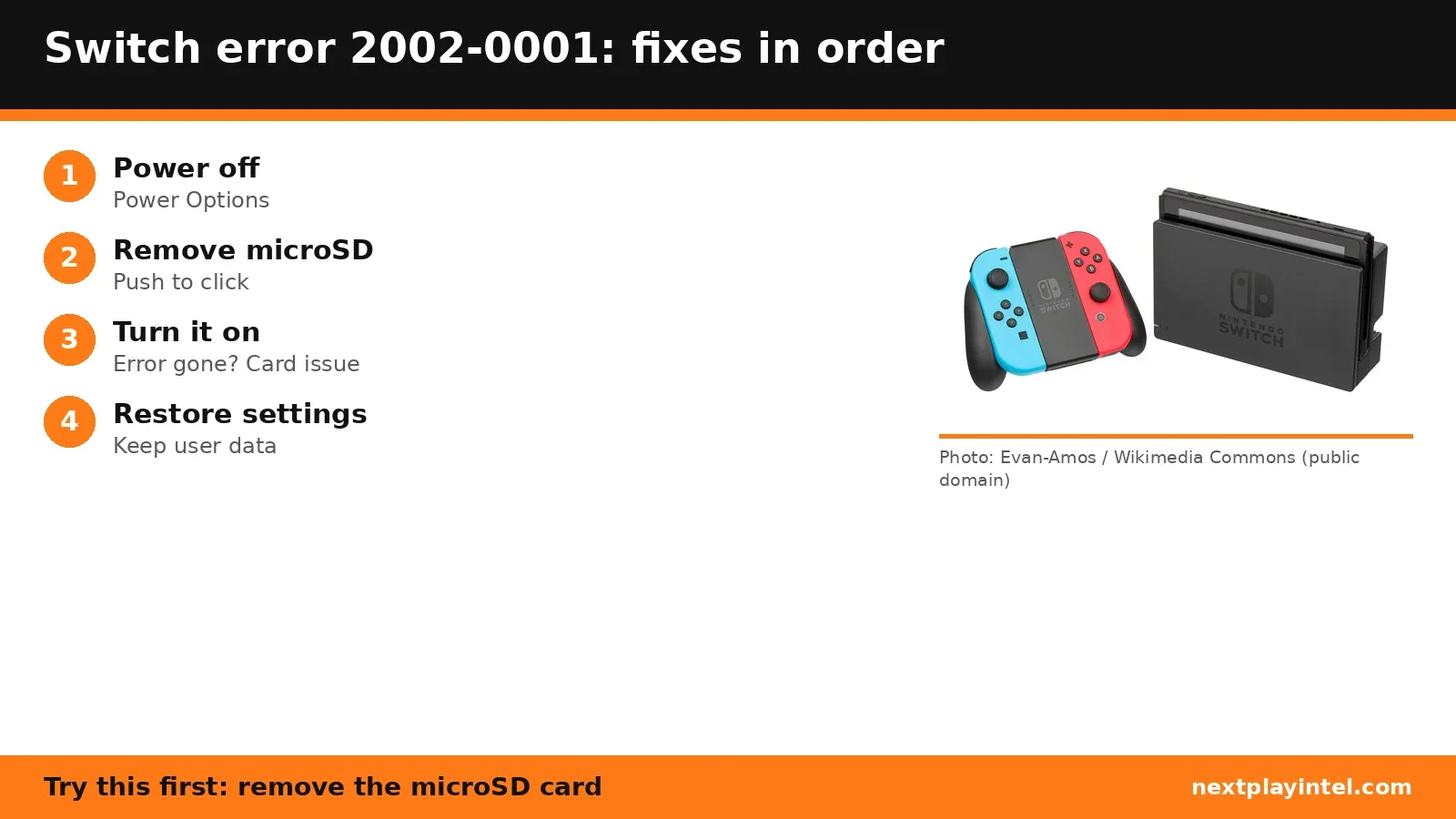
Try this first: power off, remove the microSD card and turn the console on again.
Try this first: power off, remove the microSD card and turn the console on again.
What 2002-0001 means
Nintendo Support says: “Steps for when error code 2002-0001 is received on a Nintendo Switch 2 or Nintendo Switch console.” (official page)
Likely causes
- A faulty or corrupted microSD (or microSD Express) card.
- Damaged system settings.
How to fix 2002-0001, easiest first
- Power off
Hold POWER for three seconds > Power Options > Power Off (Turn Off on Switch). - Remove the microSD card
Open the stand (or the slot cover on Switch Lite), push the card until it clicks and slide it out. - Turn the console back on
If the error is gone, the card is the problem; back it up and try another card. - Restore settings, keep user data
With the console off, hold volume + and − and press POWER to open Recovery Mode (Switch 2) or Maintenance Mode (Switch), then choose Restore Settings (Keep User Data). Saves, screenshots and users are kept; software on the microSD card must be redownloaded.
| Step | What to do | Source |
|---|---|---|
| 1 | Power off | Official |
| 2 | Remove the microSD card | Official |
| 3 | Turn the console back on | Official |
| 4 | Restore settings, keep user data | Official |
When to contact support
If the error returns after restoring settings, contact Nintendo Support for repair options.
2002-0001 FAQ
Will Restore Settings (Keep User Data) delete my saves?
No. Nintendo says save data, screenshots and user information are kept; software on the microSD card has to be redownloaded.
Sources
Other Switch error codes
- 2005-0003: Software can't download; usually a microSD card problem. Applies to Switch and Switch 2.
- 2110-1100: The console can't find a network matching any saved network. Applies to Switch and Switch 2.
- 2618-0513: Matchmaking failed because the network isn't suited to peer-to-peer connections.
- 2168-0002: Software closed unexpectedly, or a Switch to Switch 2 system transfer failed.
- 2162-0002: A system error; restart the console and contact Nintendo if it repeats.
- 2016-0641: A game failed to start on Switch or Switch 2.
Switch troubleshooting guide · All Switch codes · Error code directory